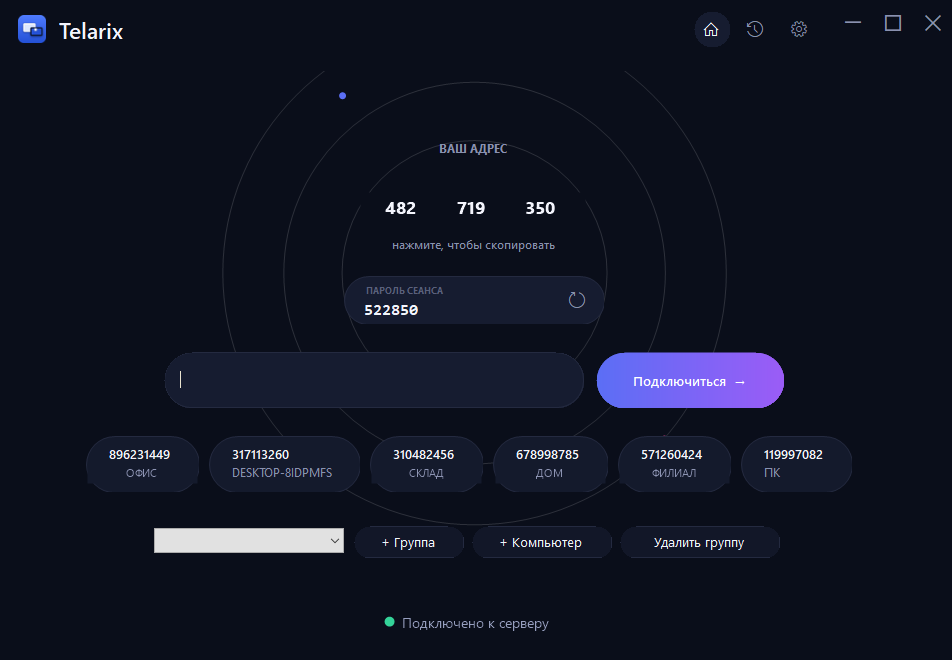
Telarix remote access features
The full list of Telarix features. Paid plans add faster, priority support — the software itself is identical on every plan.
Access and connecting
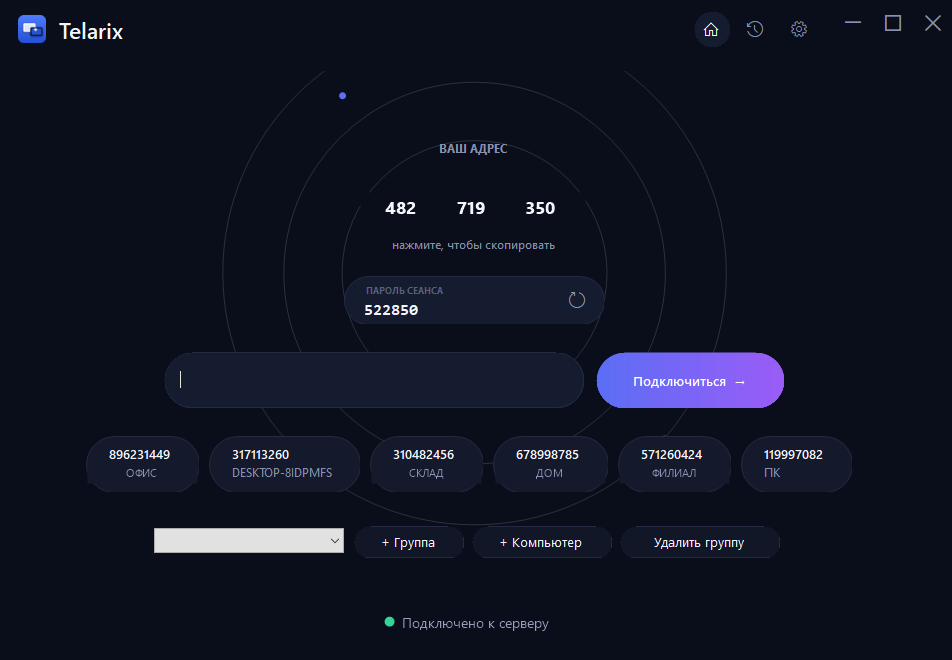
- A one-time «session password» that changes on every client restart
- A fixed password for unattended access with nobody at the computer
- An Allow/Deny dialog on the receiving side
- Trusted computers (connect with no dialog) and computer groups
- Per-session role permissions: the receiving side picks what to grant in the dialog — control, files, reboot, elevated rights
- IP address/subnet access restriction
- An unmissable "support session active" banner on the controlled computer's screen
- TLS 1.2/1.3; the server's certificate fingerprint is pinned on first connection
- Connection only through a relay server — no direct peer-to-peer
Screen and control
- DXGI Desktop Duplication capture with automatic fallback to GDI
- A virtual monitor when ordinary capture is unavailable (e.g. inside an RDP session)
- Adaptive quality and frame rate for the link's speed
- An optional UDP video path with loss recovery
- Monitor selection on multi-monitor systems
- Requesting elevated remote input — reaches secure-desktop prompts (UAC, lock screen)
Files, clipboard, audio
- A file manager: browse the remote computer's drives and folders
- Download files and upload into a chosen folder on the remote computer
- Send files by dragging them onto the viewer window
- Two-way clipboard text sync
- Audio from the remote computer
- A built-in chat
Collaboration and recording
- Several observers on the same computer at once
- Handing control between observers
- Session recording to a file (video and audio)
- Remote system info: OS, CPU, memory, disks, IP — one click
- Remote reboot with confirmation
- Privacy mode: hides the screen and blocks local input on the controlled computer while staying visible to the controller
Convenience in the interface
- Connection history with screen thumbnails and an online indicator
- Tabs for several simultaneous sessions — on paid plans
- Picture quality choice: auto, high, medium, low
- Full-screen mode; the toolbar hides itself
- Hints in the viewer: latency, and why control is not getting through (locked screen, UAC prompt)
- A client event journal that is kept between launches
Security and updates
- The fixed password is stored with DPAPI, keyed to this computer
- Signed client updates (RSA), the signature is checked independently of the server
- Audit-log retention, ACL on the TLS key file
- Installing the server as a Windows service, auto-start with the system
- Client auto-start at Windows logon, minimizes to the tray
Printing, power and fleet management
- Remote printing: a virtual printer on the remote computer — the document prints on your own local printer
- Wake-on-LAN: wake an offline computer on your network from the connection history
- A web console for your device fleet — on-client notifications, MAC address and IP history in the log
- The telarix.ru/connect/ web bridge — connect from a browser without installing the client
Session password and a fixed password
A one-time password changes on every restart; a fixed password is for unattended access. Stored with DPAPI, tied to this computer.